Free wedding and event planning tools
Plan your room, organize guests, and take care of the details in your browser. No account needed to try them.
Ready to plan your event?
Plan your guests, tables and event details with Seat Maker.
Plan the room
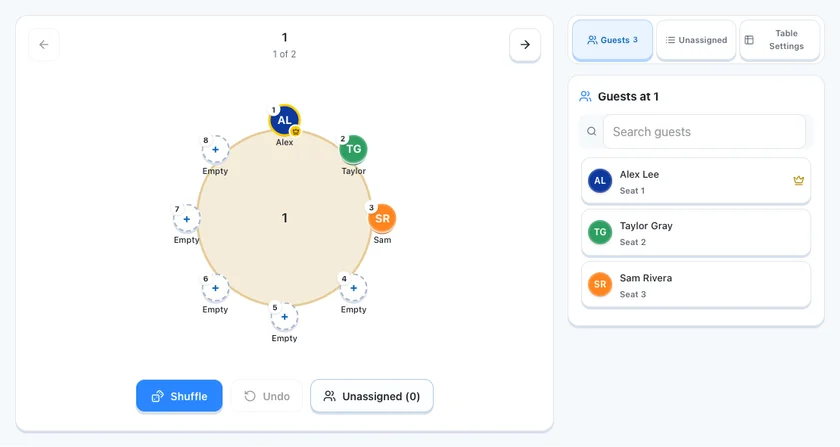
Free wedding seating chart maker
Make a wedding seating plan free in your browser. Import up to 500 guests and 30 tables, lock VIP seats, then print or save a PDF. No account needed.
Open tool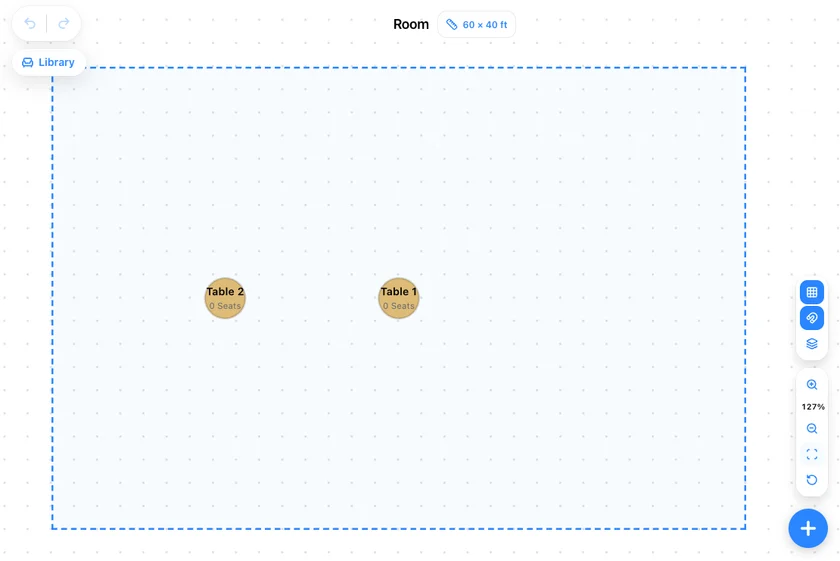
Wedding reception floor plan builder
Set your room size or import a venue image, then place tables, a dance floor, and an entrance. Free in your browser. Confirm clearances with your venue.
Open tool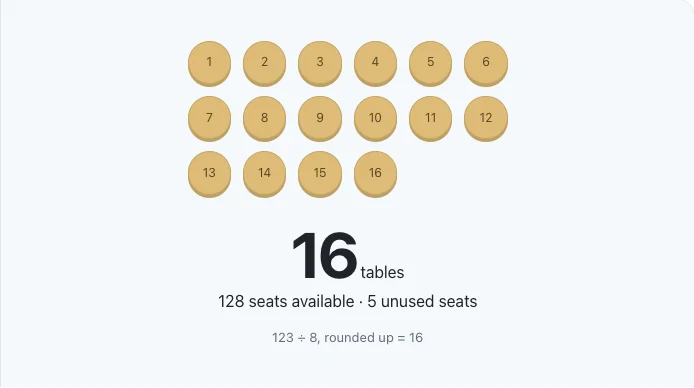
Wedding table calculator
Divide your wedding guest count by the seats at each table and round up: 100 guests at 8 per table need 13 tables, with 4 seats spare. Free, no account needed.
Open tool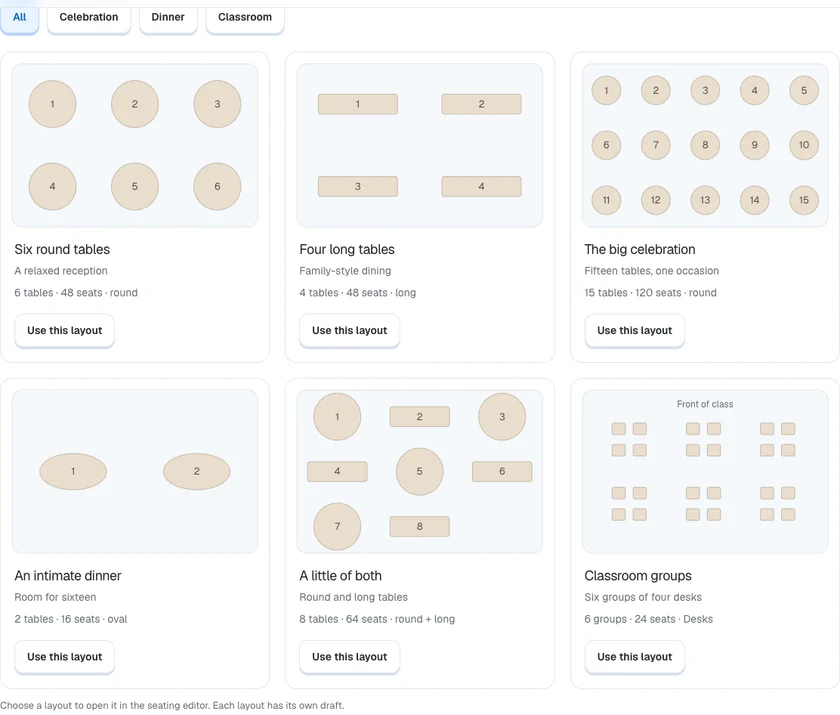
Editable wedding seating chart templates
Start from editable wedding layouts for 50 to 200 guests, plus long-table, dinner, and classroom plans. Import your guest list, then print. No account needed.
Open tool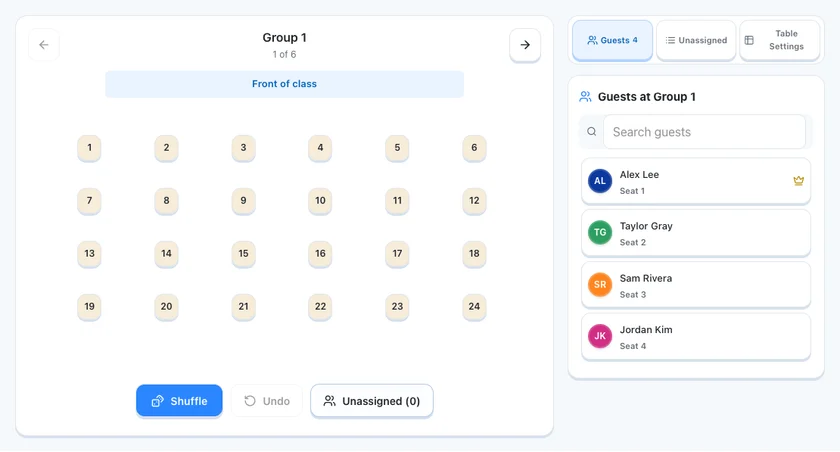
Classroom seating chart maker
Import up to 24 students, arrange rows, groups, or a horseshoe, lock the seats that must stay fixed, and print a copy for substitutes. Free, no account needed.
Open tool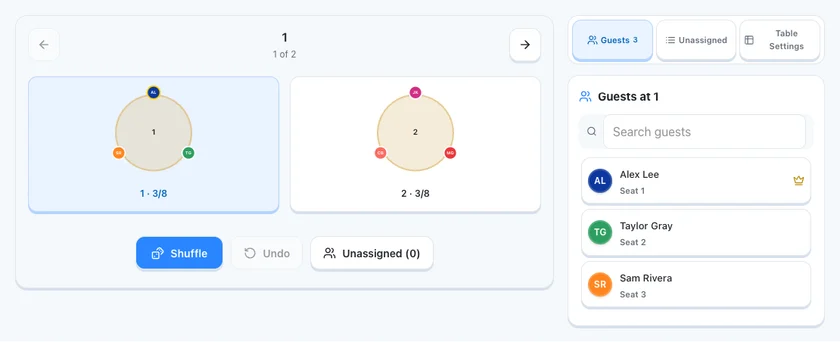
Shuffle seating & lock VIPs
Lock the seats that must stay fixed, shuffle everyone else, and compare the arrangement. Undo restores the last version. Free in your browser, no account needed.
Open toolPlan the room first: pick your tables, add a dance floor and entrance, and work out how many tables your guest count needs. If you are starting from scratch, our guide on how to make a seating chart walks through the whole process step by step, and the wedding seating chart app page shows where everything fits for a wedding. From the seating planner, carry your current assignments to the guest-by-table list, seating sign and place cards. Choose Use seating plan in the destination tool. Other tools keep their own drafts.
Invite your guests
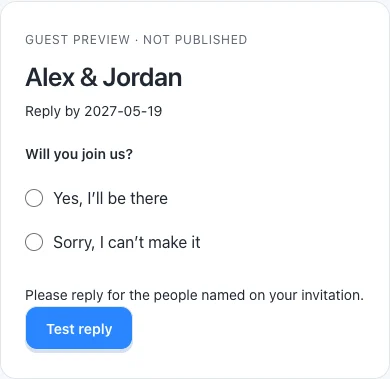
Online RSVP form for weddings and events
Build an online RSVP form, try a guest reply, and add a meal question. Invited guests reply in a browser without an app or account; publishing needs sign-in.
Open tool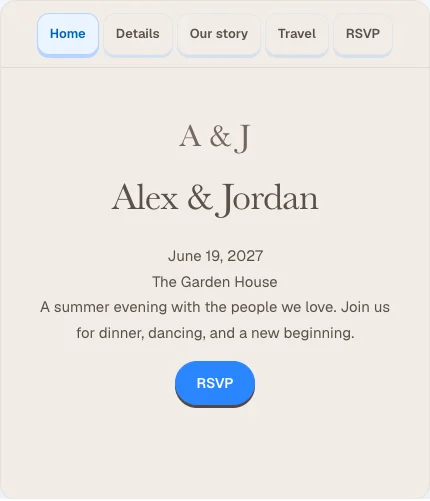
Wedding & event website builder
Add your date, venue, schedule, and travel details, choose a style, and preview your wedding website. Publishing needs sign-in and the applicable plan.
Open tool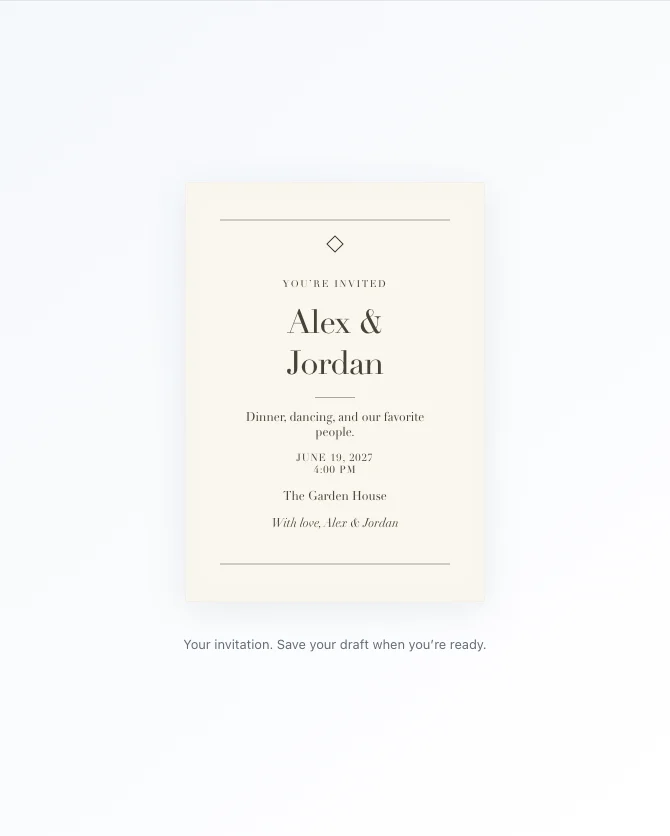
Online invitation maker
Pick a design, write your invitation, and adjust the colors. Add your own photos and logo, then check the preview. Sending needs an account and recipient review.
Open tool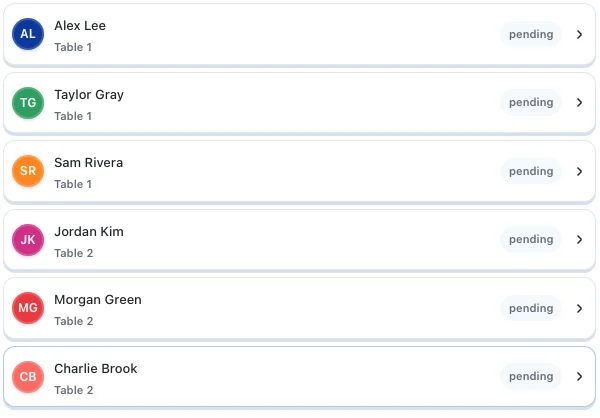
Wedding guest list manager
Import your wedding guest list from CSV, text, or contacts, keep households together, mark who has replied, and export a clean CSV. Free, no account needed.
Open toolOnce the room is set, invite your guests. Build an RSVP form to collect answers, set up a small website with the event details, design an invitation, and keep your guest list organized with households and reply tracking.
Finish the details
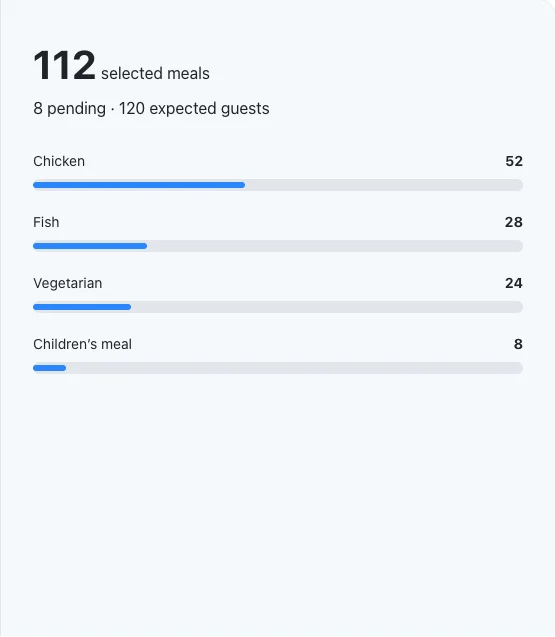
Wedding meal count calculator
Add up wedding meal choices, keep unanswered guests separate, and download a clear summary for your caterer. A manual worksheet, free in your browser.
Open tool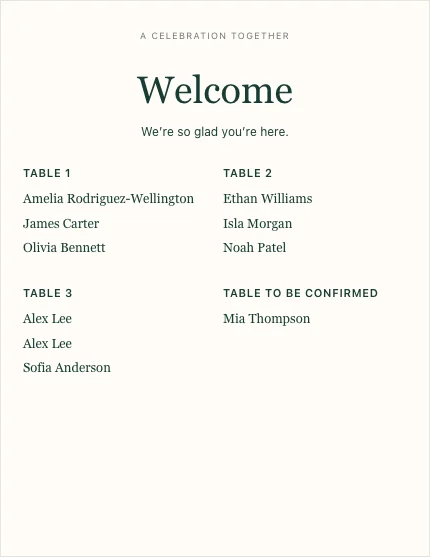
Printable seating chart sign maker
Make a printable wedding seating chart sign from your guest list, grouped by table or A to Z. Print it or save it as a PDF from your browser.
Open tool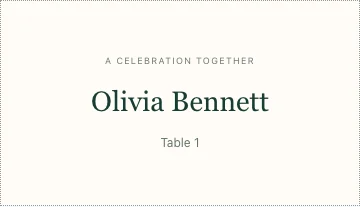
Printable place card maker
Make printable place cards or escort cards from your guest list. Preview flat or folded cards on Letter or A4, then print a proof before cutting the batch.
Open tool
Guest seat finder
Import your seating list and look up any guest by name to see their table and seat. The lookup stays in your browser; sharing one with guests needs an account.
Open tool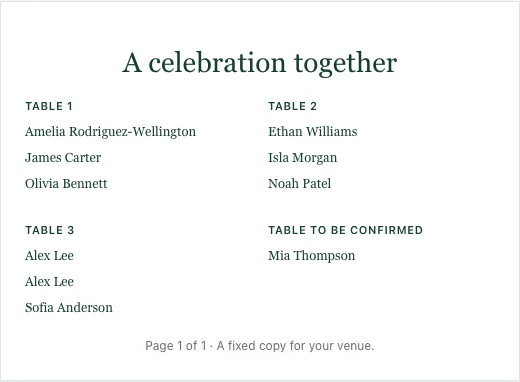
Share & export a seating chart
Compare a printed plan, a snapshot, and an online event page, then print a guest-by-table list or save a PDF. Sharing online happens in your signed-in account.
Open toolWhen your guests have replied, this last group handles the day-of and print jobs: add up meal choices, print a seating chart sign and place cards, help guests find their seats, and share or export the final plan the way your venue and helpers need it.
The fastest way to see how these tools work together is to start with a seating chart. You can start planning with Seat Maker and import your guest list to get going.